Commands, AI, and scripts
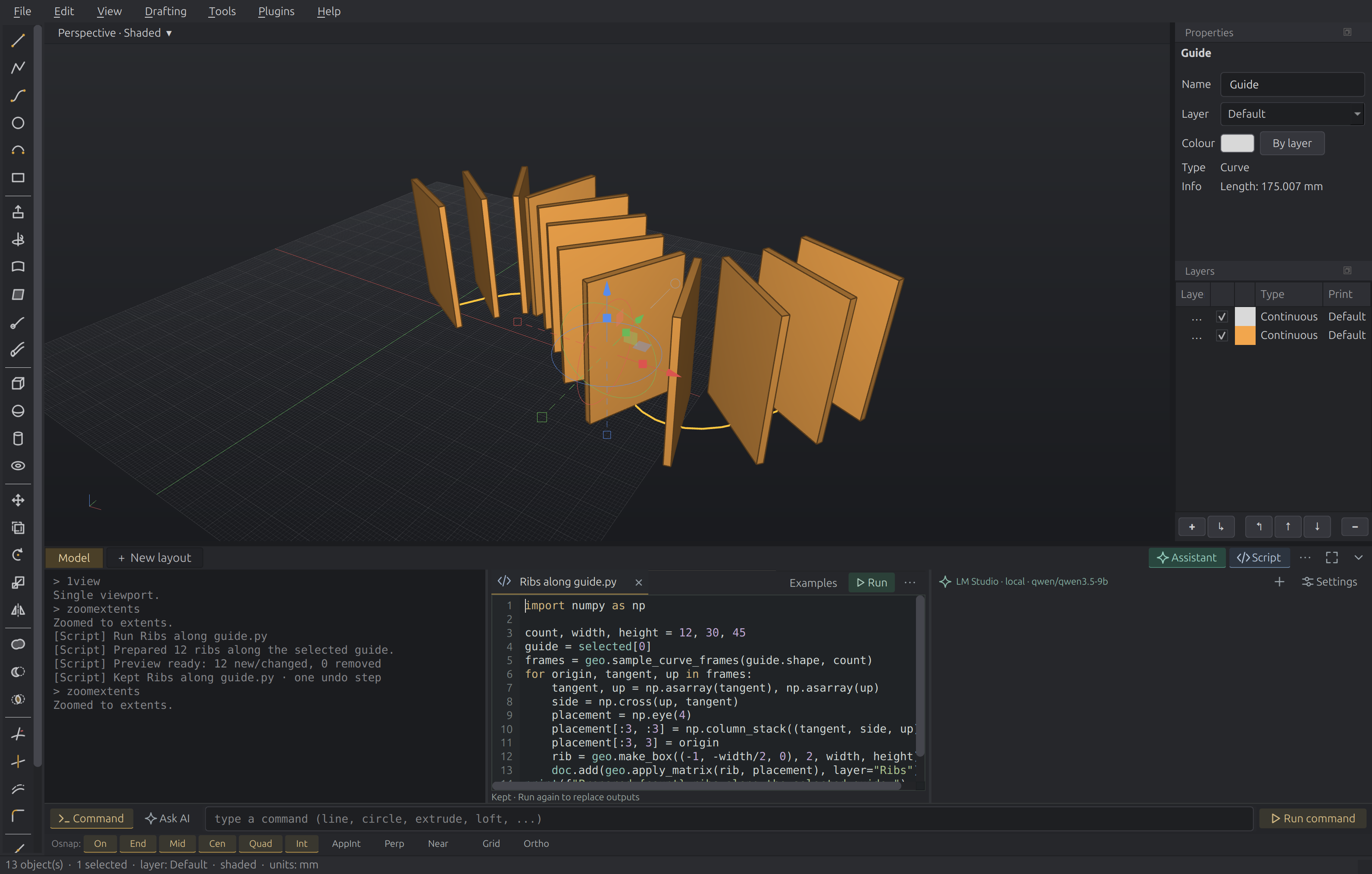
The bottom workspace keeps command history, the assistant, and Python beside one another. Model and drawing-layout tabs remain on the strip above it.
Choose where your input goes
Use Command for modeling commands and their prompts. Completion, command history, and the usual Enter/Space behavior continue to work here.
Choose Ask AI to write to the assistant. The input changes colour and the button changes to Send to AI. Enter sends your message; Shift+Enter adds a new line. Alt+/ switches between the two destinations.
Each destination keeps its own draft. You can start answering a command's point prompt, switch to AI to ask a question, then return to the same command and unfinished coordinates.
Opening, closing, or reading an assistant pane does not change the input destination. Check the selected mode and send-button label before submitting.
Arrange the workspace
- Assistant and Script independently show or hide their panes.
- Drag the vertical dividers to give a pane more width.
- ⋯ (Arrange workspace) on the model/layout strip changes the order of the optional panes or resets their widths.
- Drag the separator above the workspace to change its height.
- ⤢ (Expand workspace) gives the workspace more room for sustained work.
- Collapse workspace hides the panes while keeping the input and model/layout tabs available. Restore workspace brings the panes back.
Command history stays on the left when the workspace is expanded. Your pane visibility, order, and widths are remembered between window sessions.
View → Assistant (or the ai command) and Tools → Script Editor
(Ctrl+`) also reveal these panes. They operate on the same document as the
viewport.
Viewport display settings
Open a viewport's title dropdown, such as Perspective · Shaded, for its view and display options. Display settings… opens the surface-edge and isocurve controls for that viewport. The settings no longer occupy a permanent dock beside Properties and Layers.
See Script & automate for Python and Drive it with AI for assistant and MCP setup.