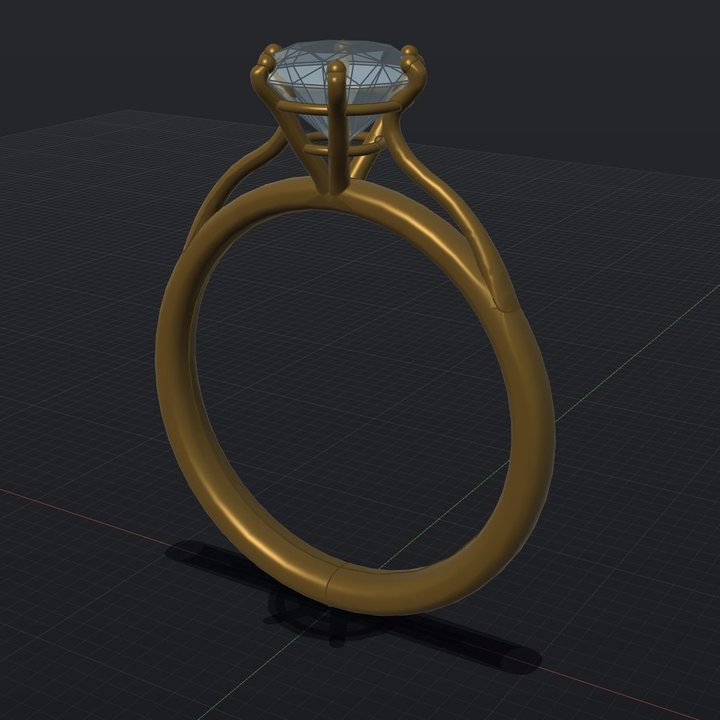
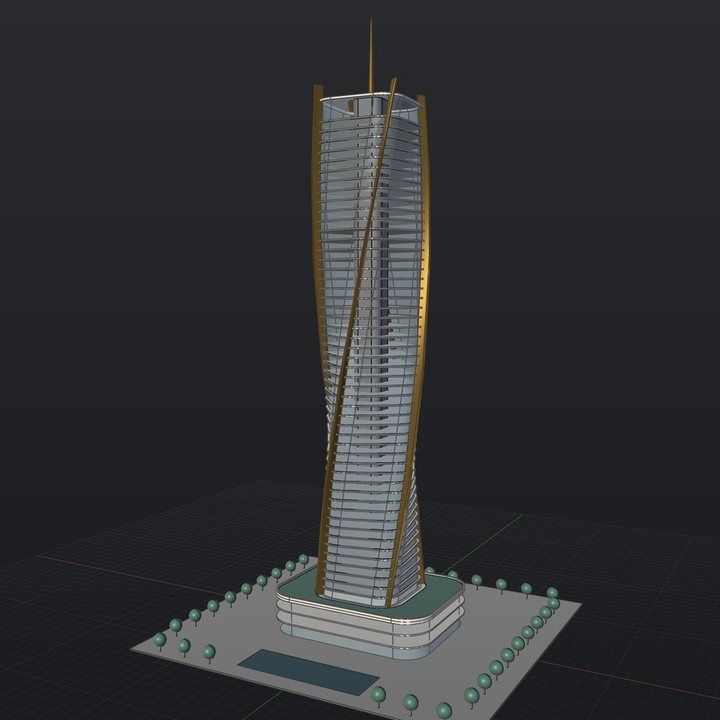
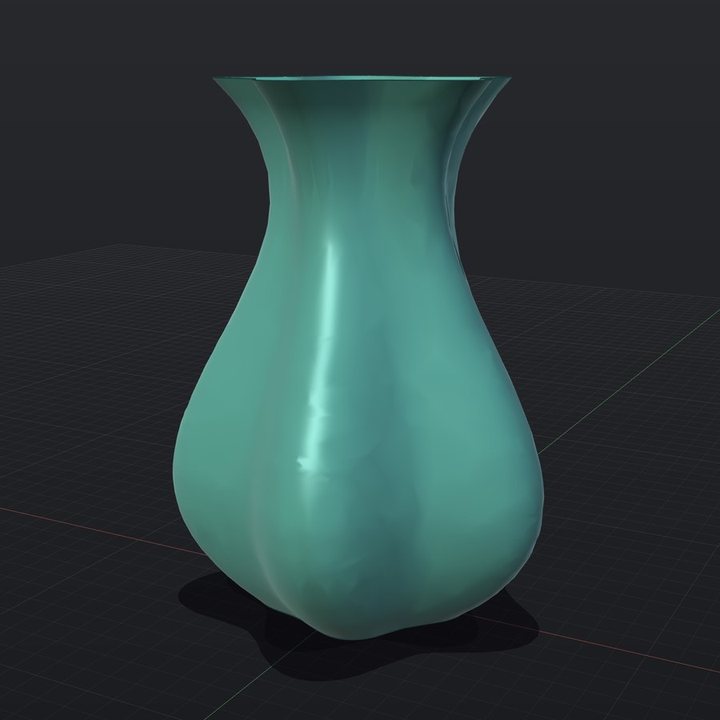
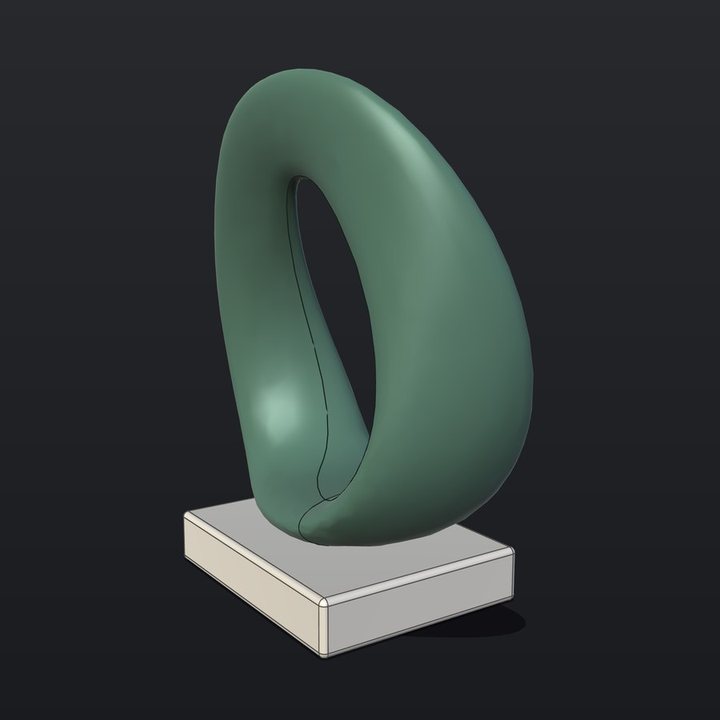
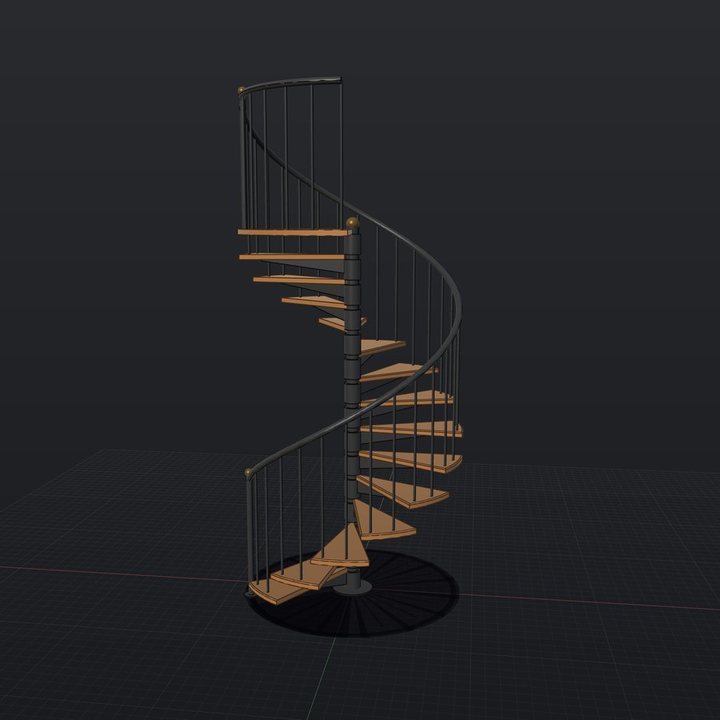
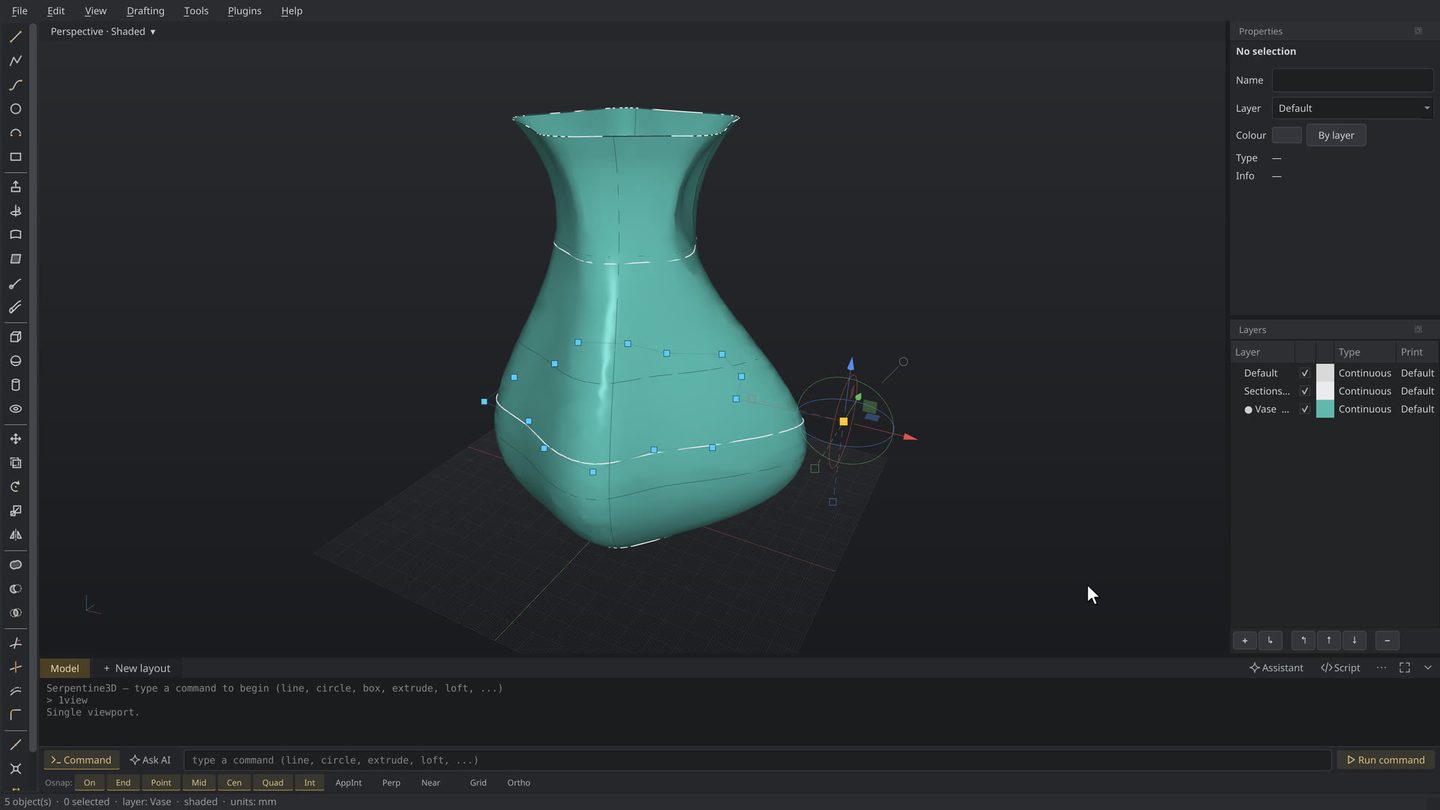
Serpentine3D is a free modelling and drafting tool with the exactness of Rhino — true curves, real dimensions, and drawing sheets a workshop can build from. Made by one person who needs it, not a software company.
If you know Rhino, you know Serpentine3D. The same commands and aliases — it even imports your Rhino shortcuts, so your muscle memory carries straight over.
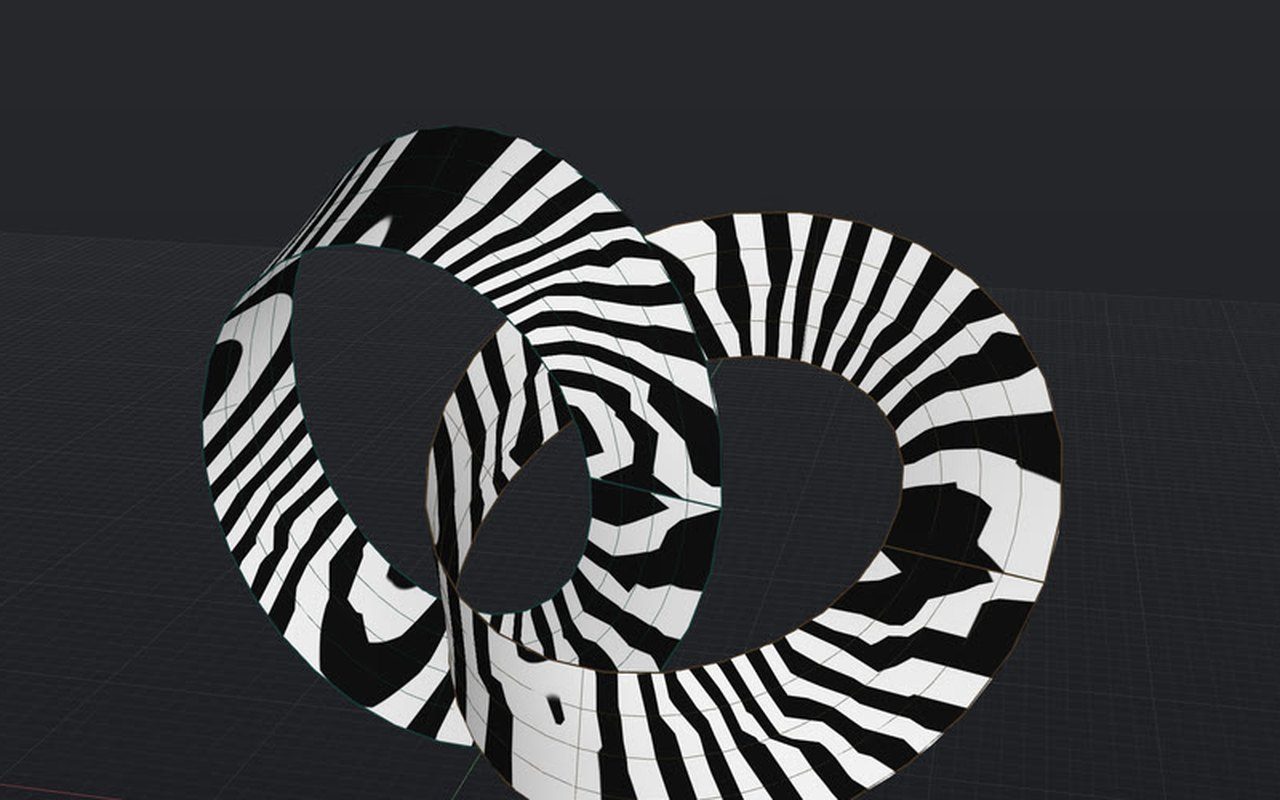
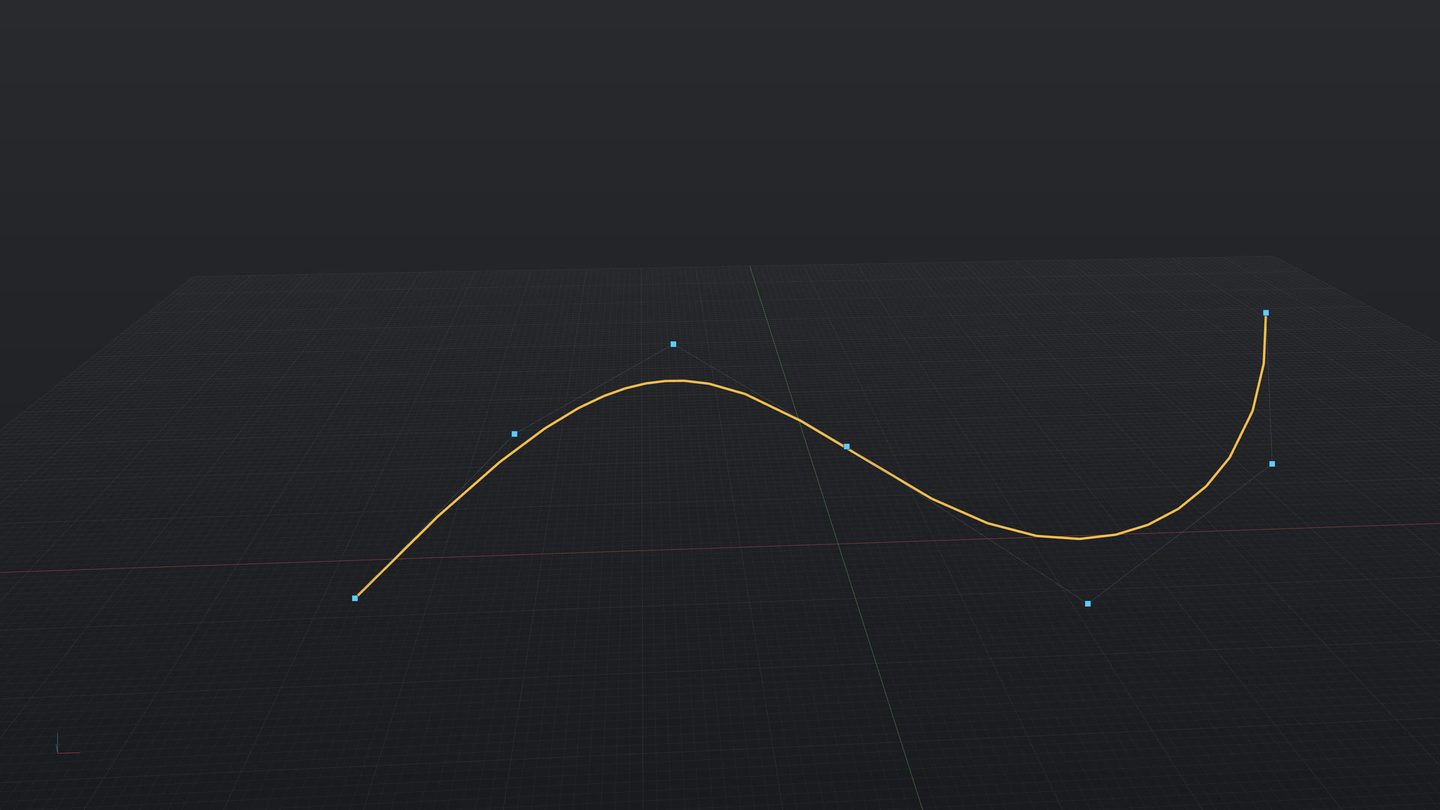
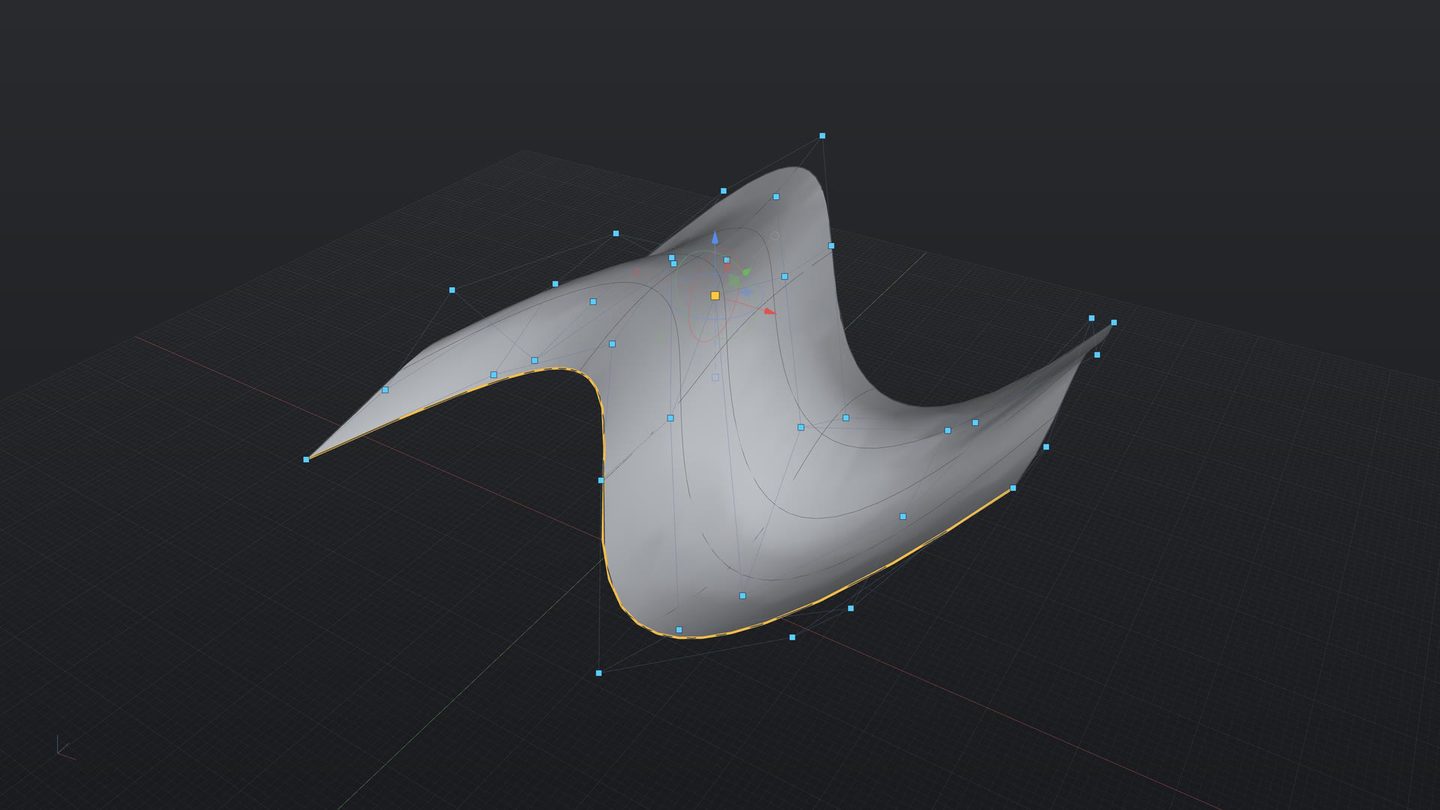
Surfaces here are real mathematics, not triangles — the same NURBS geometry Rhino uses. A 300 mm radius is a 300 mm radius at any zoom, on any drawing. It opens and saves Rhino .3dm files (curves exact, layers preserved), and exports STEP, DXF, glTF and USD for the rest of your pipeline.
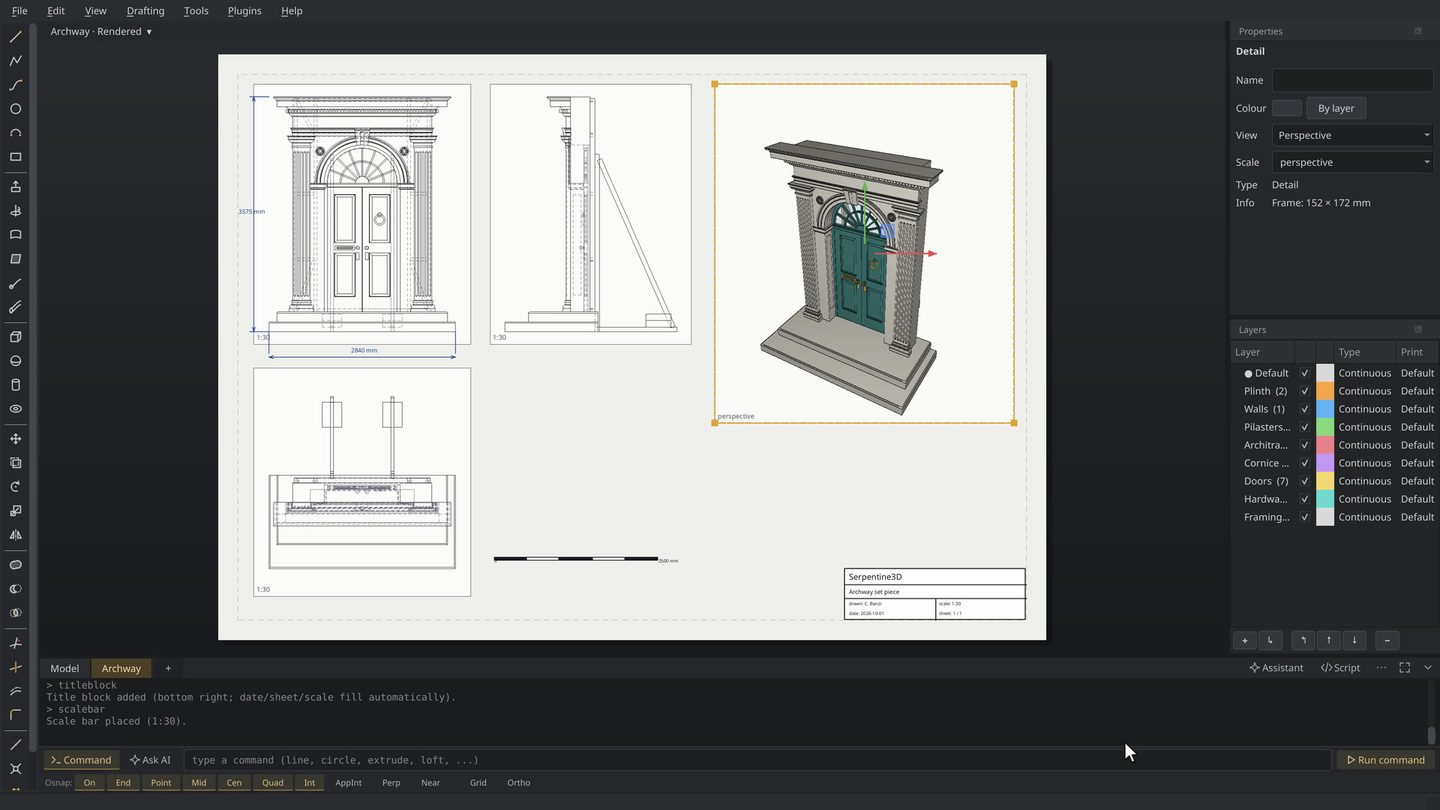
Paper-space sheets from A4 to A0 with live detail views at real scales — 1:25, 1:50 — plus hidden-line technical views, dimensions, leaders, hatching, scale bars, title blocks and revision tables. Print straight to PDF and hand it to the workshop.
A command line that speaks Rhino — move, loft, fillet, offset — with the same aliases, object snaps and a gumball for direct manipulation. If your hands know Rhino, they already know this. If they don't, there's a menu for everything.
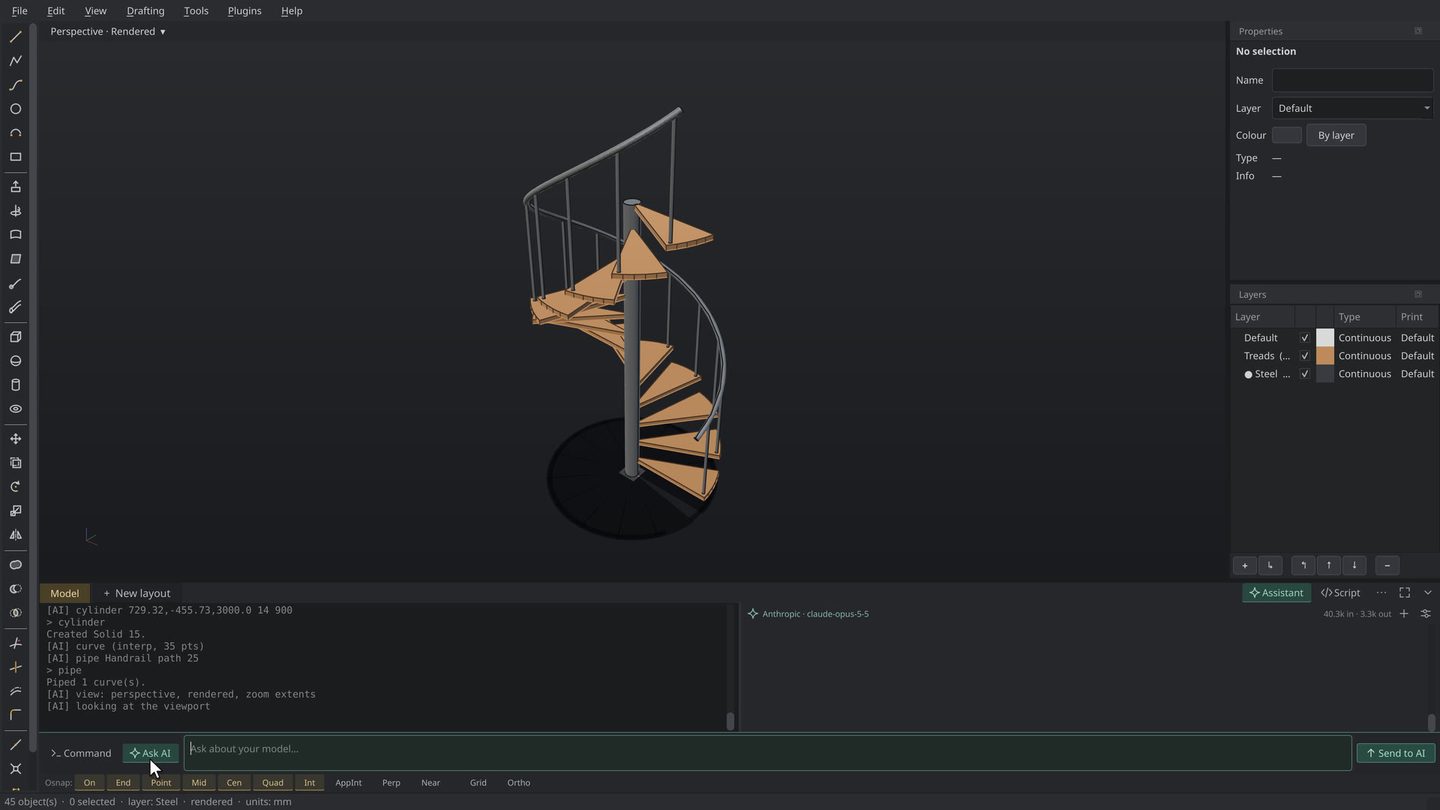
Serpentine speaks MCP, so an assistant like Claude can look at your viewport and run any tool you can — draw a curve, loft a surface, run a boolean, measure a span, export a STEP. Describe the change and watch it happen, or hand off the repetitive parts and keep designing. No other CAD tool is built to be operated this way.
Serpentine3D runs on Linux, Windows and macOS — every build free, no account, no subscription. Pick your platform below.
| REV | PLATFORM | STATUS | NOTES | |
|---|---|---|---|---|
| A | Linux | ISSUED | One-file AppImage. Download, make it executable, double-click. No admin rights needed. | DOWNLOAD ↓ |
| B | Windows | ISSUED | One-click installer, 100 MB. Windows may flag it once — choose More info → Run anyway. | DOWNLOAD ↓ |
| C | macOS | ISSUED | Drag-to-Applications disk image, Apple Silicon. Unsigned for now — right-click → Open the first time. | DOWNLOAD ↓ |
Linux, Windows and macOS builds are all live — same modeller, same files, version 0.4.0. Free, open source, no account, no subscription.
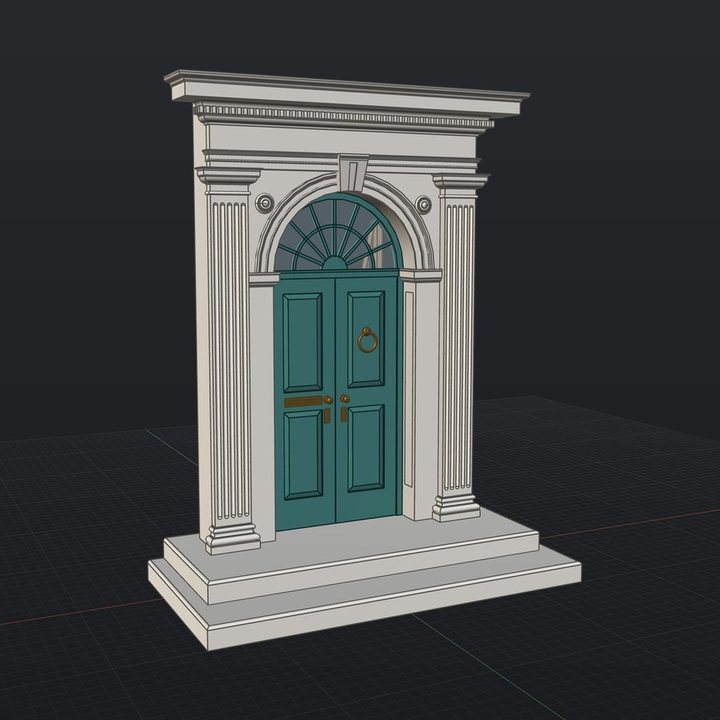
New here? Download a sample, then File ▸ Open it —
real geometry to explore and learn from, instead of floundering with
primitive shapes.
Technically inclined? The source code, issue tracker and roadmap live on GitHub — contributions welcome.